

TUTORIAL
How to order from Boonbuy in 12 steps.
Create your Boonbuy account
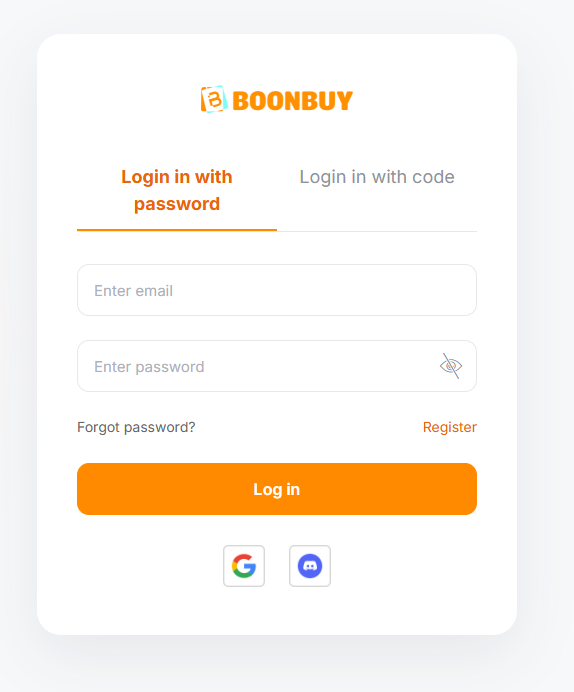
Open Boonbuy, register with your email and password, then confirm your registration. Our signup link includes a -40% coupon.
Find your perfect product
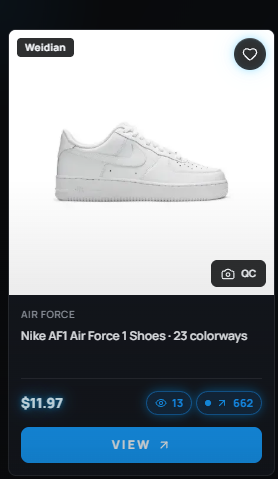
Search Taobao, 1688 or Weidian, or browse the BOLON FINDS catalog.
Add products to your cart
Paste the product link into Boonbuy, choose the color, size and quantity, then add it to your cart.

Place your order
Review your cart, select your products and proceed to checkout.

Confirm and continue to payment
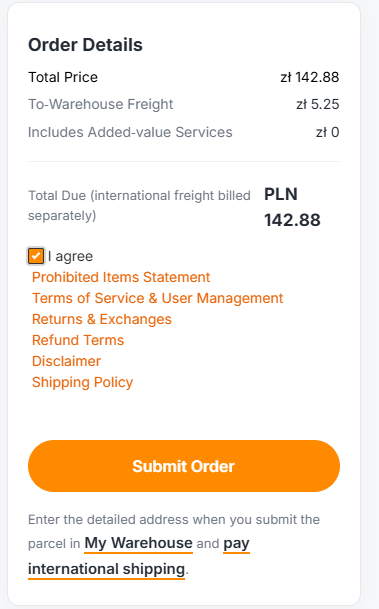
Check the summary (price, warehouse shipping and total), select “I agree” and click “Submit Order”.
Choose a payment method
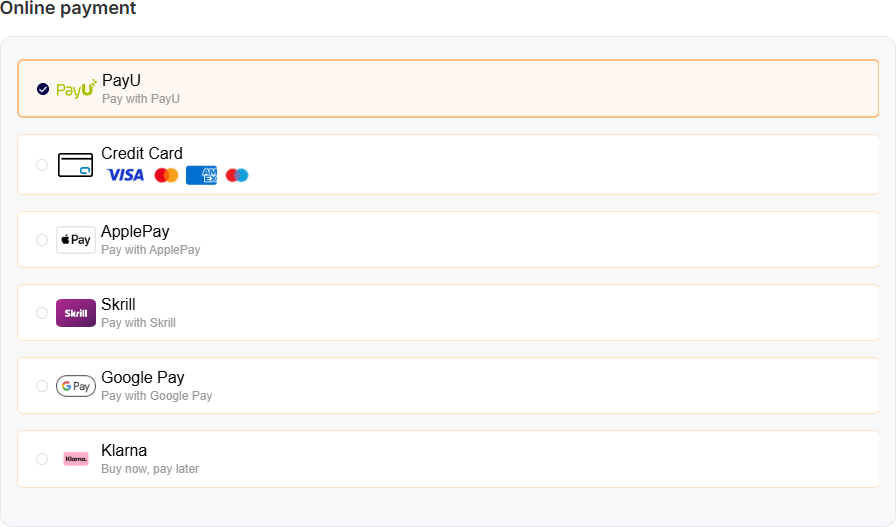
Choose a payment method such as PayU, card, Apple Pay, Google Pay, Skrill or Klarna, and pay for your order.
Order processing
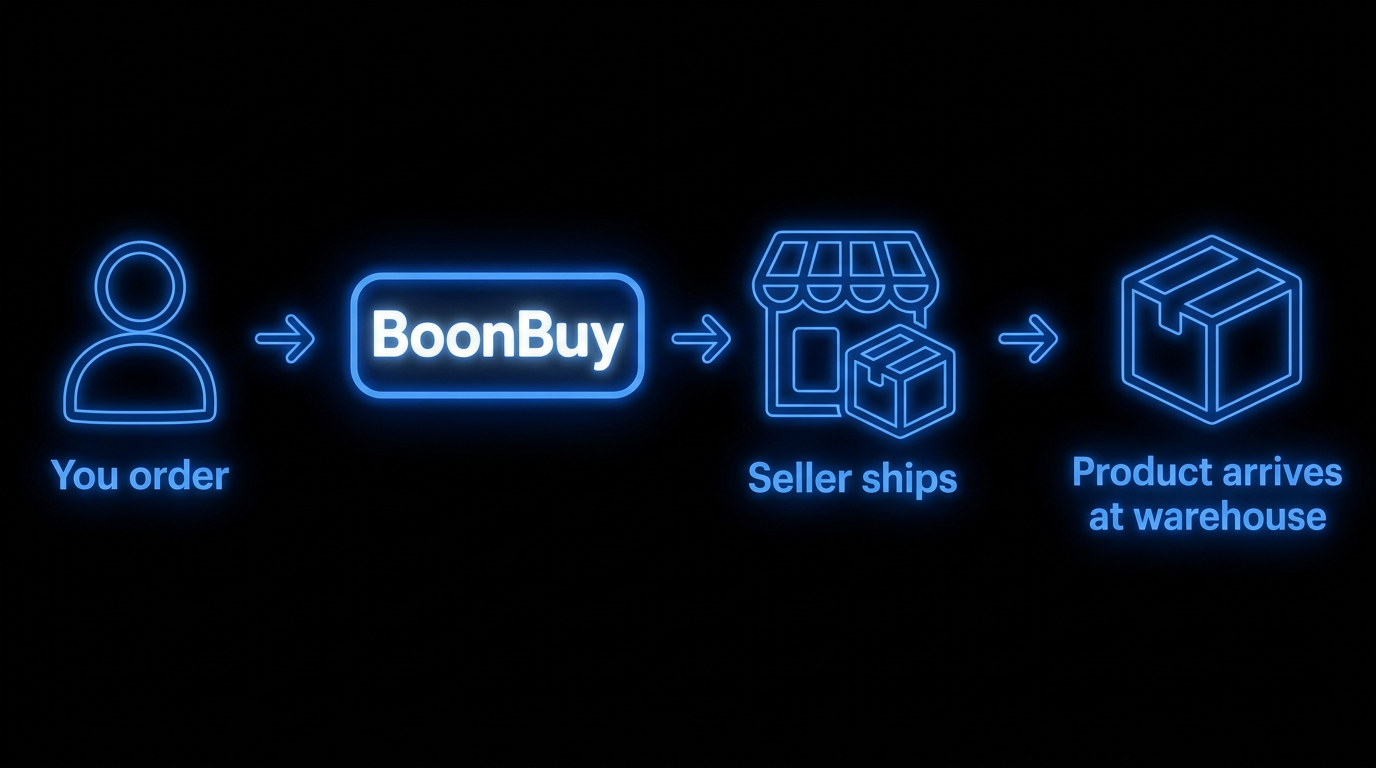
After payment, the agent purchases your products from the sellers and waits for warehouse delivery.
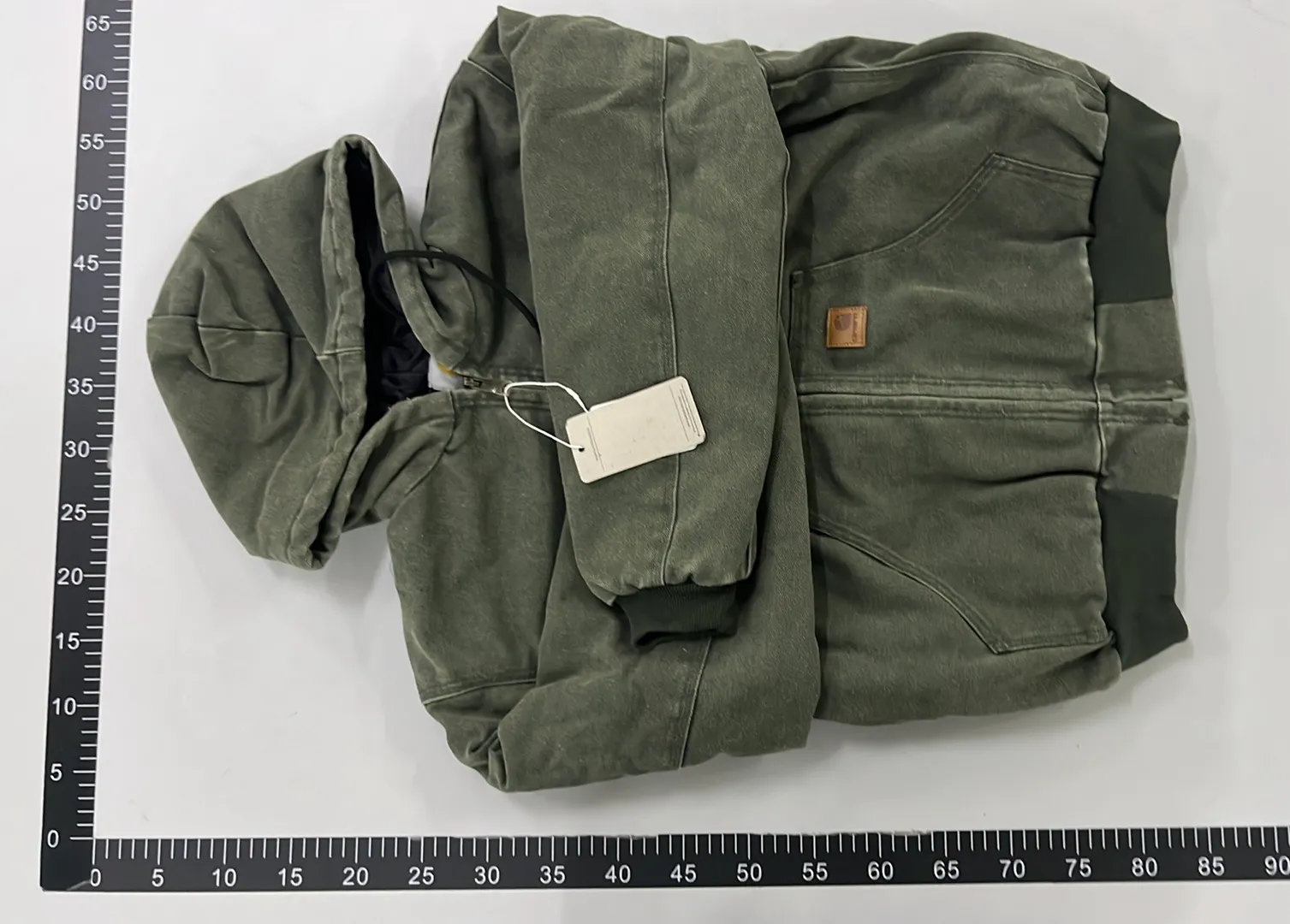
Quality control (QC)
Review the warehouse QC photos. Check the label, size and condition before arranging shipping.
Arrange international shipping
Open My Warehouse, select your products and create a parcel for shipping.

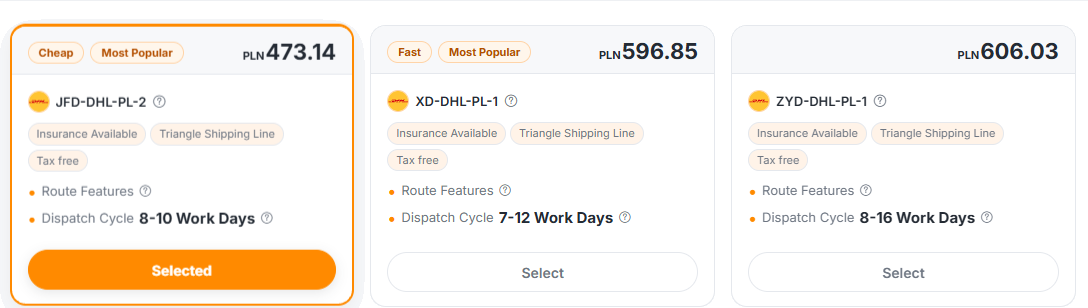
Choose a shipping line
Compare shipping lines by price, delivery time and insurance, select one and pay for shipping.
Receive your parcel
Track your shipment, receive your parcel after delivery and claim any available bonus with Claim Reward.
All done!
Enjoy your purchases — and return to BOLON FINDS for more finds.
CONGRATULATIONS!
You have completed the tutorial — place your order and look forward to your parcel.
- Order
- Warehouse
- In transit
- Delivery
Delivery time depends on your shipping line — track your parcel in My Warehouse.